S3 Series
- Home
- S3 Series
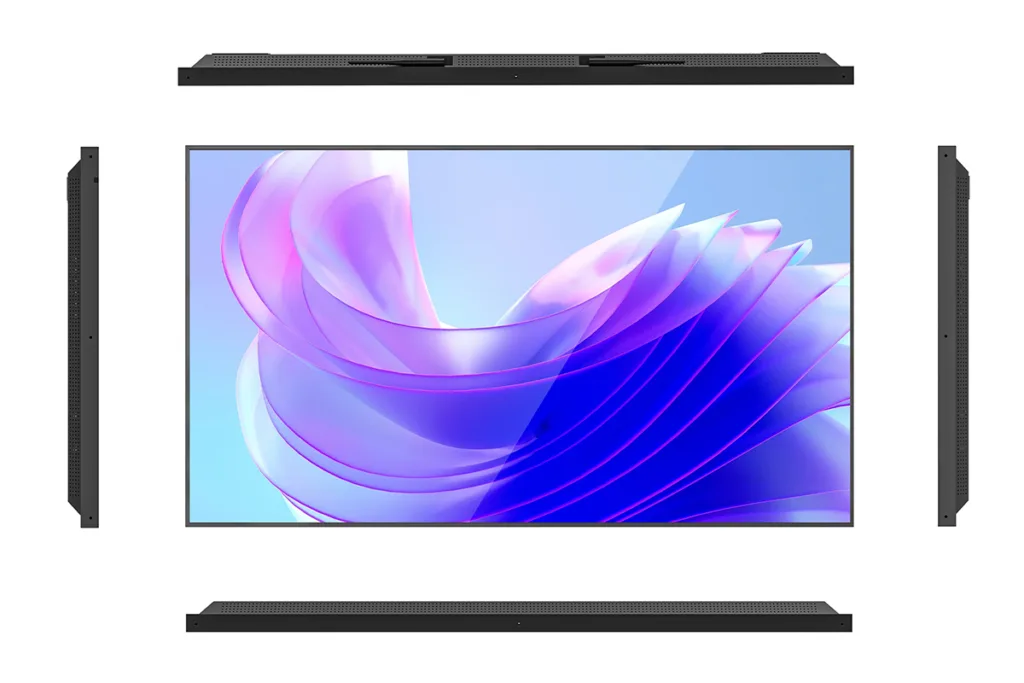
Sunlight‑Readable Window Displays
S3 Series — Sunlight‑Readable Window Displays
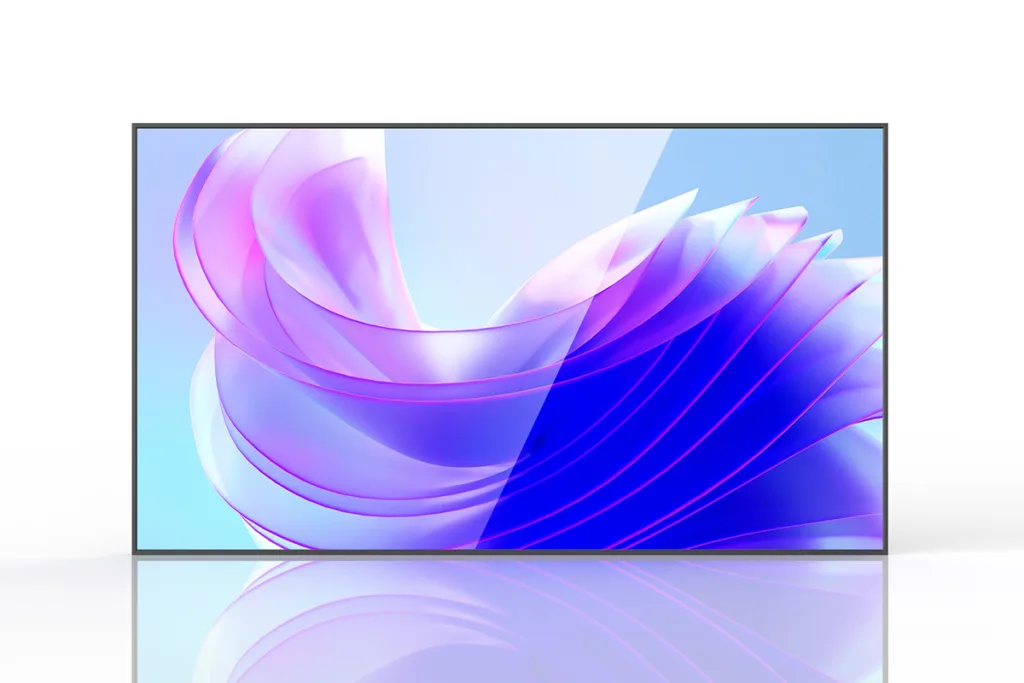
Purpose‑built for shop windows, S3 maintains vivid visibility in strong ambient light with reliable 24/7 operation and easy integration for retail signage networks.
Typical Configurable Specs
- Brightness: 2500 cd/m² with automatic light sensor and manual dimming.
- Resolution: 32/43/49 at 1920×1080; 55 at 3840×2160; others model‑dependent.
- Contrast/angles/response: 1300:1; 89°/89°/89°/89° viewing; 6 ms; 16.7M colors (typical, size‑dependent).
- Android media player option: RK3568, quad‑core 1.8 GHz, Mali GPU, 2 GB RAM, 16 GB storage (expandable), HDMI 2.0 up to 4K@60, LVDS, RJ45, SD, multiple USB; Wi‑Fi/Bluetooth; optional 3G/4G; Android 9/11.
- Power: 100–240 V AC; typical max power by size (e.g., ≤115 W 32″, ≤130 W 43″, ≤220 W 49″, ≤260 W 55″).
- Thermal design and protections as described under Key Selling Points.
Key Points:
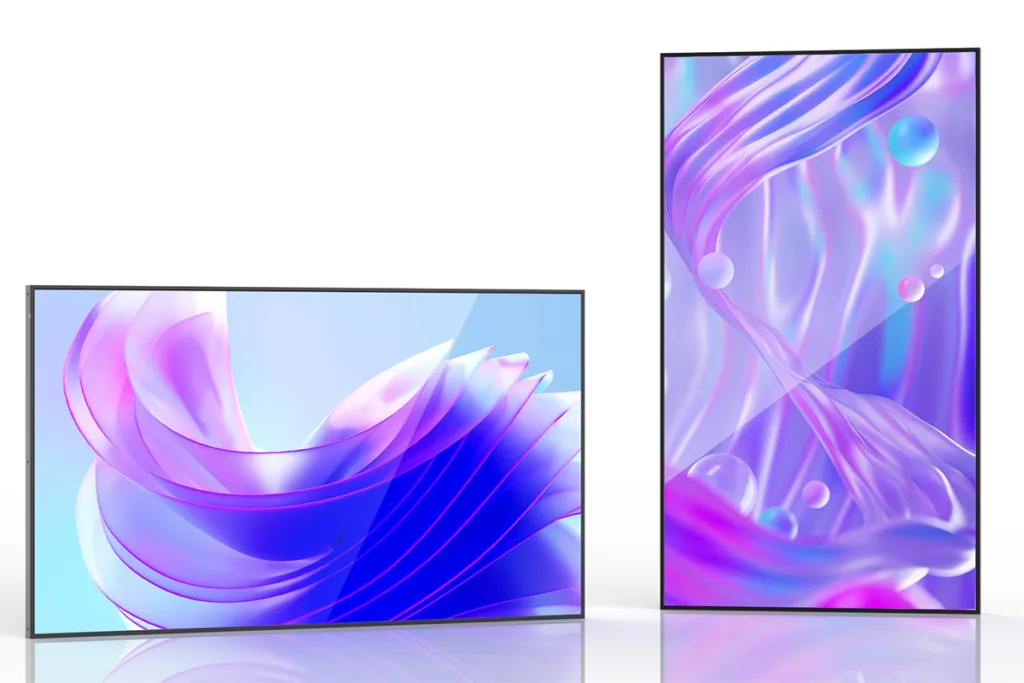
- 2500‑nit peak brightness for direct‑sun visibility in window installations.
- 80% aluminum chassis for superior heat dissipation; suitable for indoor/semi‑outdoor window use without extra cooling.
- Smart thermal protection: fans auto‑start above 45°C; power derates to 70% at 65°C and auto‑recovers.
- Dual brightness control: ambient light sensor plus manual knob.
- Built‑in dual speakers with adjustable volume.
Manufacturing & Quality Assurance Note:
All S3 units are assembled in controlled production lines with systematic component traceability, full-function burn-in testing, pixel inspection and calibration to ensure uniform color and brightness across batches. Custom assembly services (touch lamination, outdoor housing, custom paint/branding) are available for volume orders.
How bright is S3 and how is brightness controlled?
2500 cd/m² with dual control—ambient light sensor plus manual knob.
What temperature protections are built in?
Fans auto‑start above 45°C; at 65°C the controller limits power to 70%; when internal temperature drops below 65°C, normal power resumes; fans stop below 45°C.
How should I install S3 near the storefront glass?
Keep at least 20 cm clearance; if space is tighter, use a high‑temperature LCD configuration and keep about 10 cm to the glass; never mount directly against the glass to avoid condensation damage.
How should I install S3 near the storefront glass?
Keep at least 20 cm clearance; if space is tighter, use a high‑temperature LCD configuration and keep about 10 cm to the glass; never mount directly against the glass to avoid condensation damage.
What if a black screen occurs in a hot site?
Move the unit back by about 10 cm to reduce heat accumulation.
$100
- Brightness
- Sizes
- Resolution
- Bezel
- LED light bar
- Audio
- 2500 cd/m²
- 32", 43"……75"
- FHD, 4K
- 12 mm
- OD10
- Dual speakers